Auto Scaling and Load Balancing are features that provide your applications with elasticity and high availability.
Auto Scaling automates the process of launching and terminating EC2 instances based on the traffic demand for your application. Load Balancing ensures the automatic distribution of incoming traffic across multiple targets, such as EC2 instances.
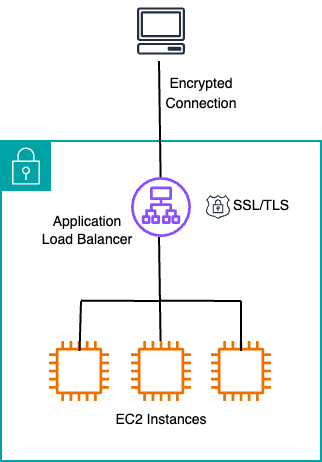
An Application Load Balancer is a layer 7 load balancer, best suited for load balancing of HTTP and HTTPS traffic, and can route traffic to targets within an Amazon VPC.
SSL/TLS certificates can be added to load balancers ensuring secure, encrypted communication over the internet, between a client and the load balancer.
Services Used
EC2 - Auto Scaling, Elastic Load Balancing
AWS Certificate Manager
Route 53
CloudFormation
Steps Taken
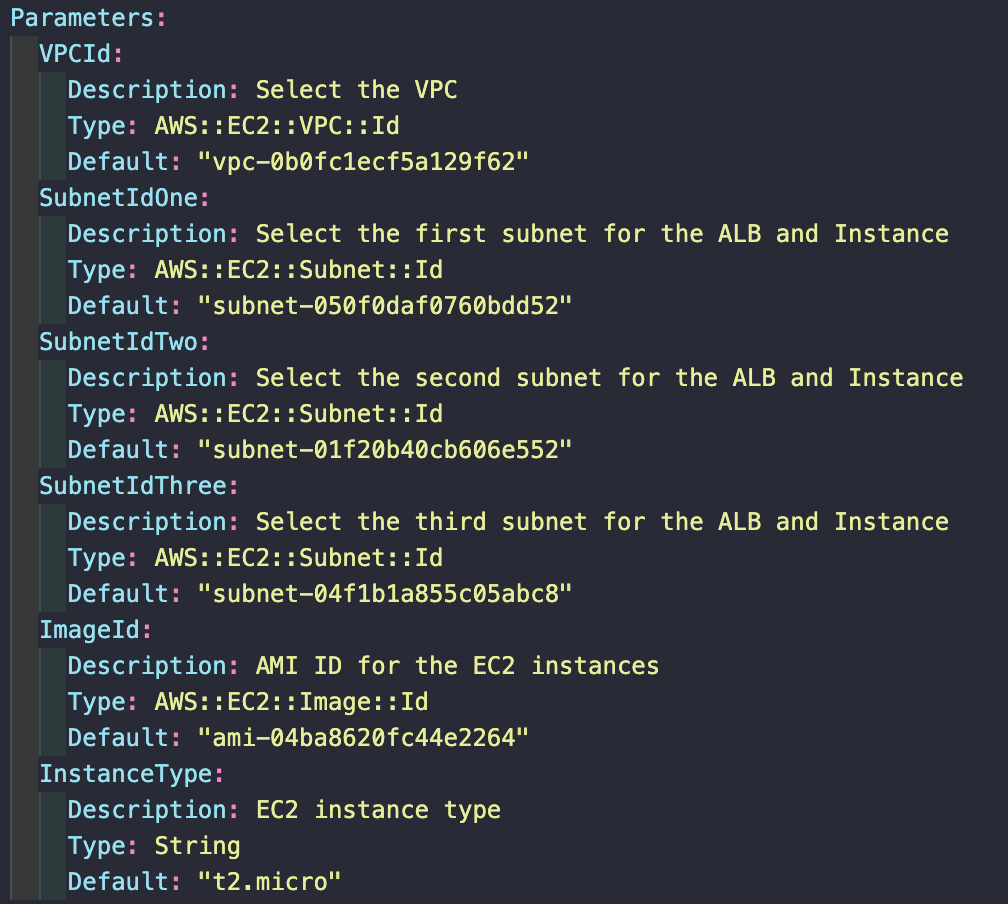
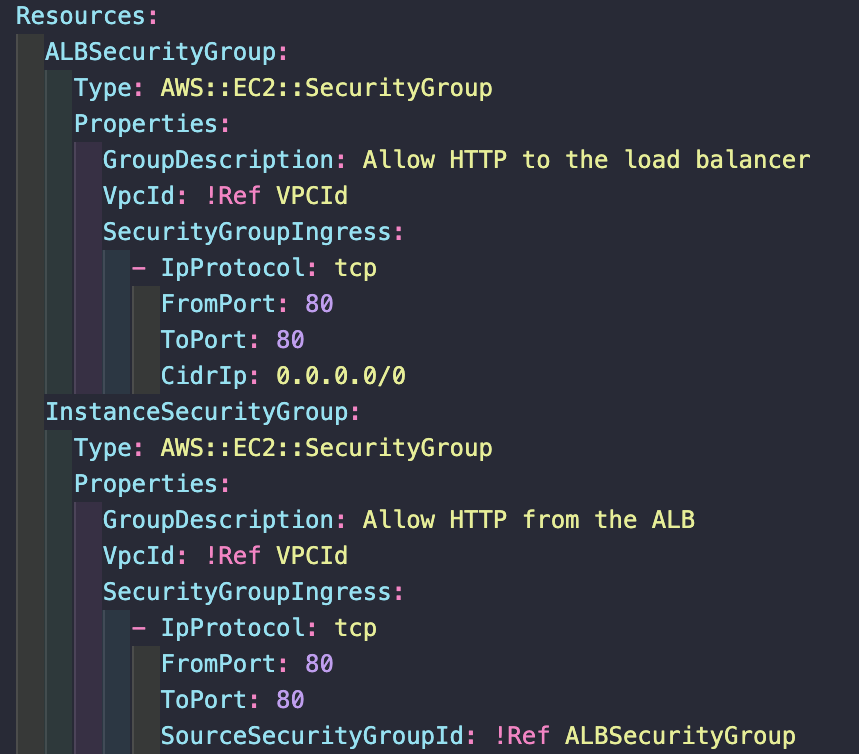
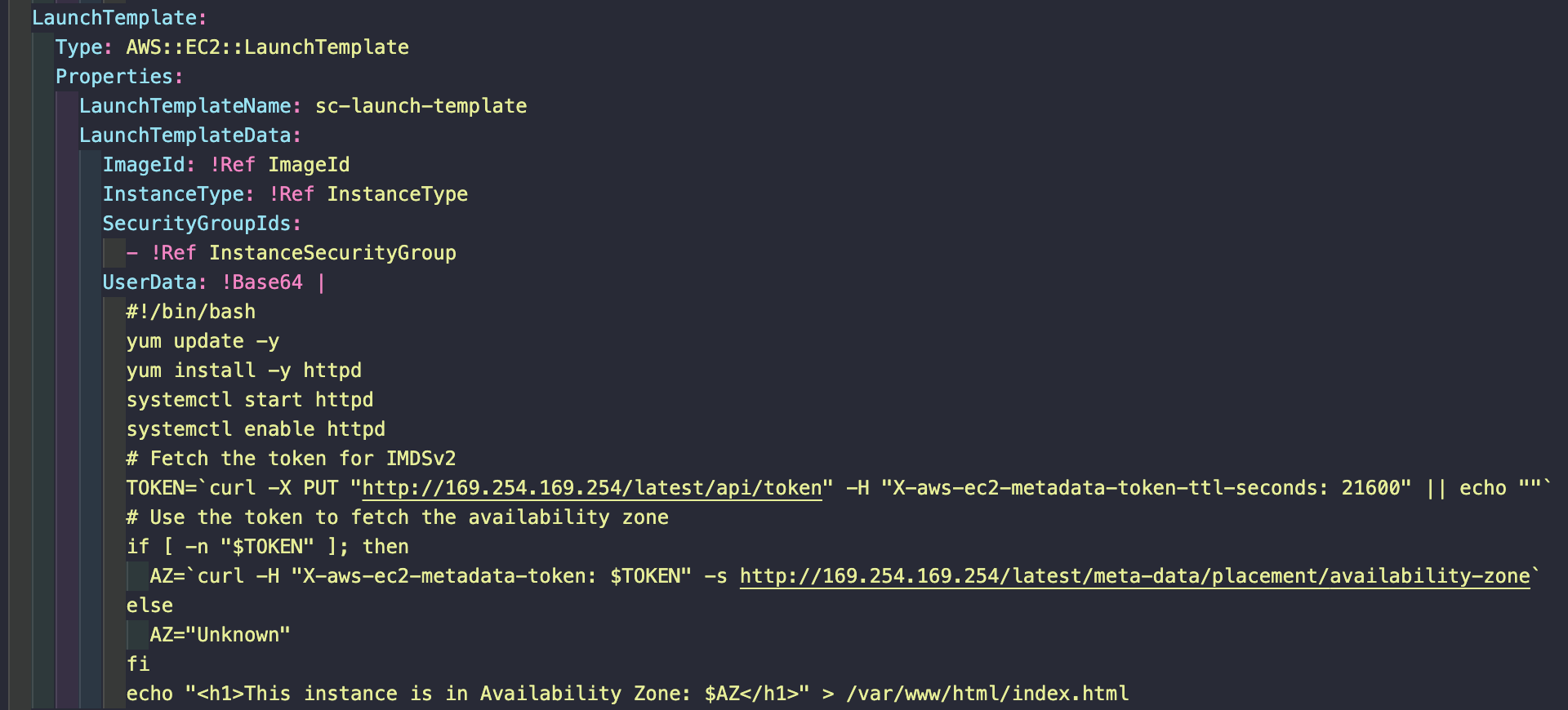
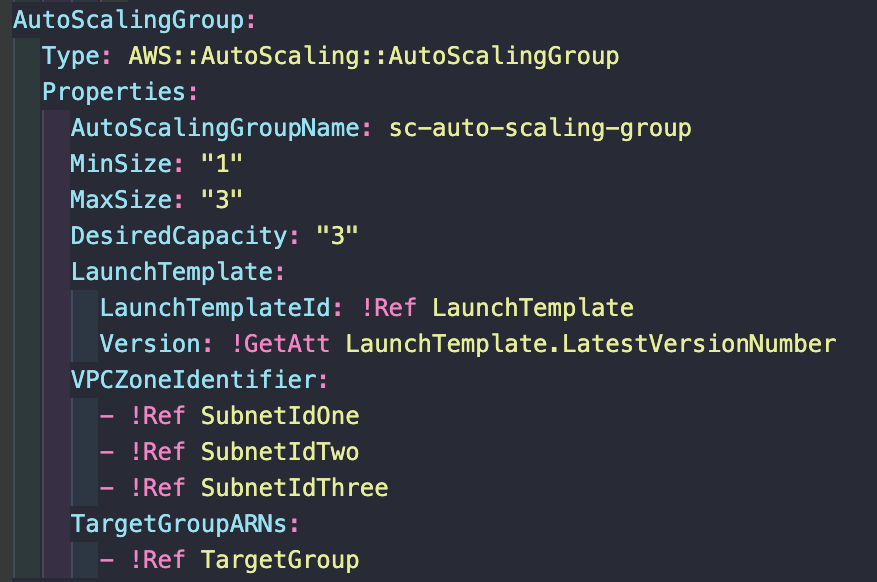
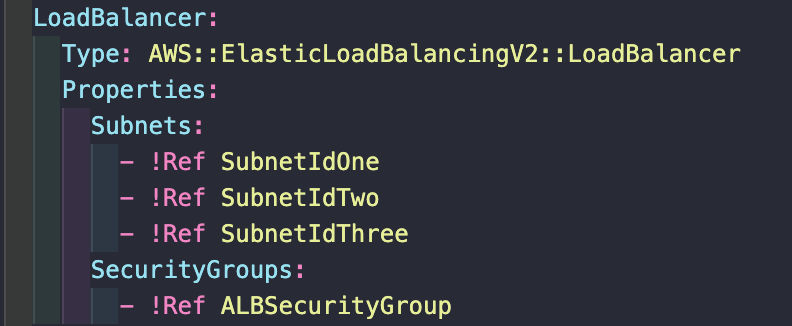
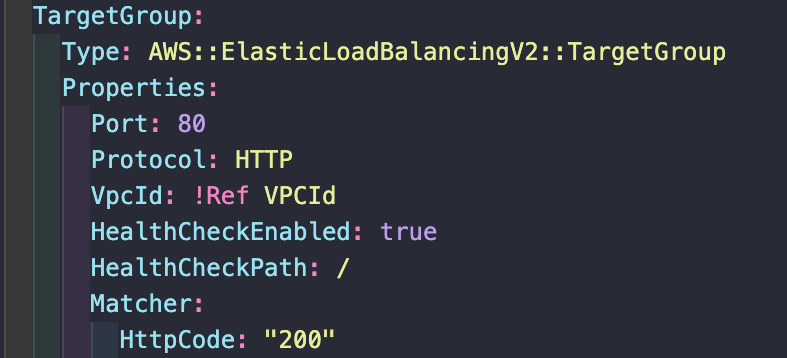
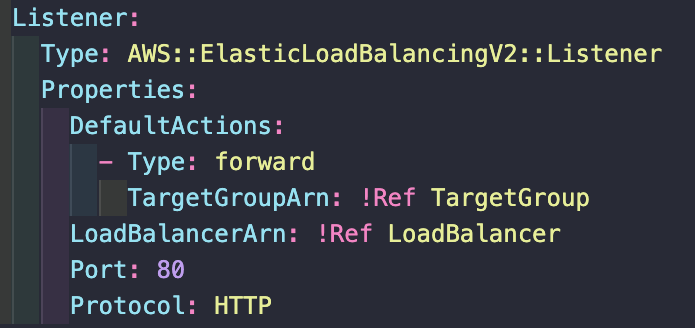
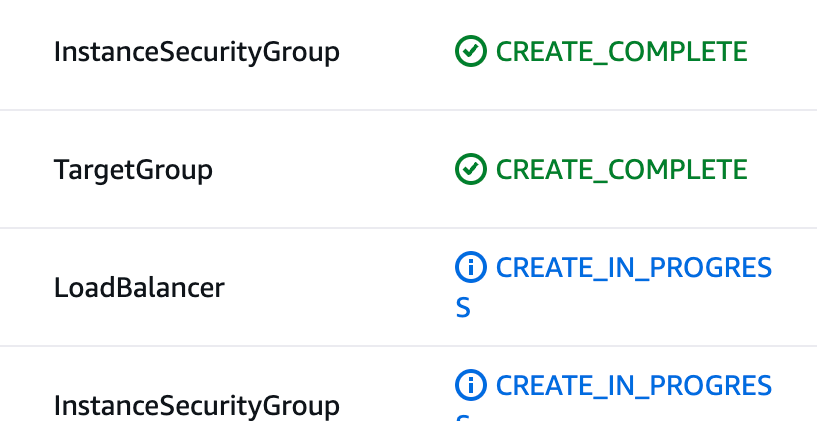
I used CloudFormation to run a template that created an auto scaling group and a load balancer, this created three EC2 instances running across three availability zones. The instances were launched with user data that installed an Apache web server which used EC2 metadata to display the availability zone of that particular instance.
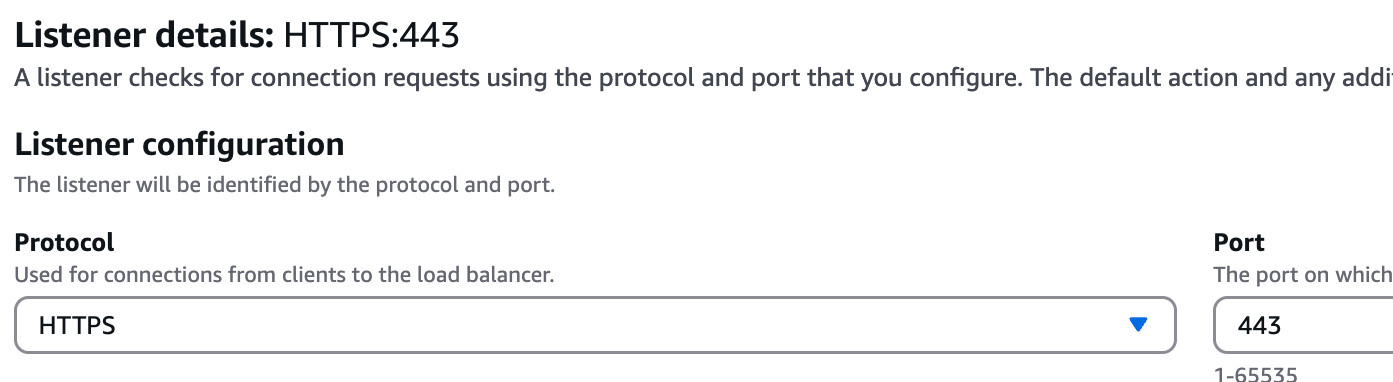
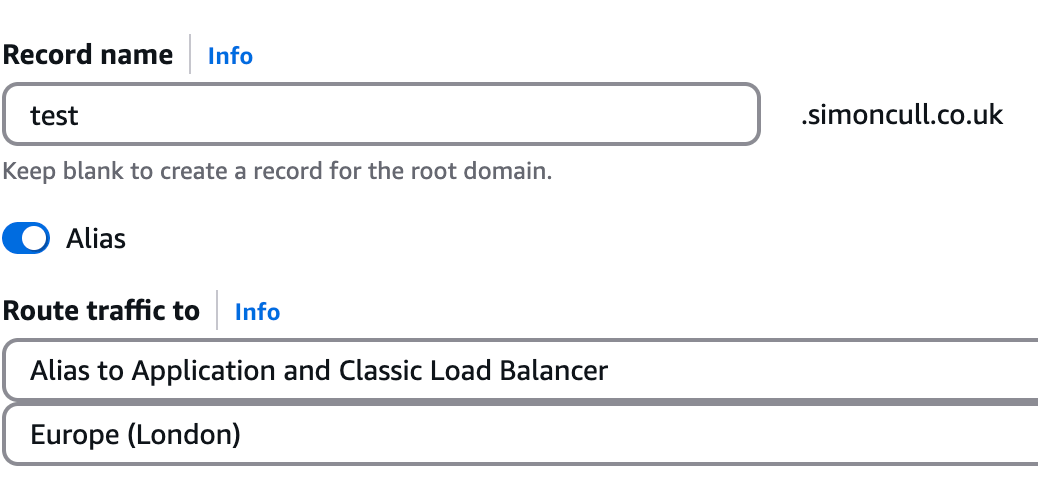
Once the infrastructure had been created, I added a secure listener to the load balancer, listening on port 443 for HTTPS transmissions over TLS/SSL. I used an existing SSL/TLS certificate I created using AWS Certificate Manager. Then in Route 53, I created an alias record in my domain’s hosted zone to route traffic to the application load balancer, enabling a HTTPS connection to a subdomain, test.simoncull.co.uk.
On refresh, the web page displayed a different availability zone, showing how the load balancer was distributing the network traffic across the three EC2 instances.