The Cloud Resume Challenge is a hands-on project designed to help aspiring cloud professionals gain real-world experience with cloud technologies. It involves building a personal website on a cloud platform, AWS in this case.
This website you are viewing is my attempt at the Cloud Resume Challenge. In building this, I leveraged various technologies and services, including AWS services such as S3, CloudFront, Lambda and DynamoDB; GitHub for source control and GitHub Actions to create a CI/CD Pipeline; and Terraform for Infrastructure as Code, to deploy resources more efficiently and reliably.
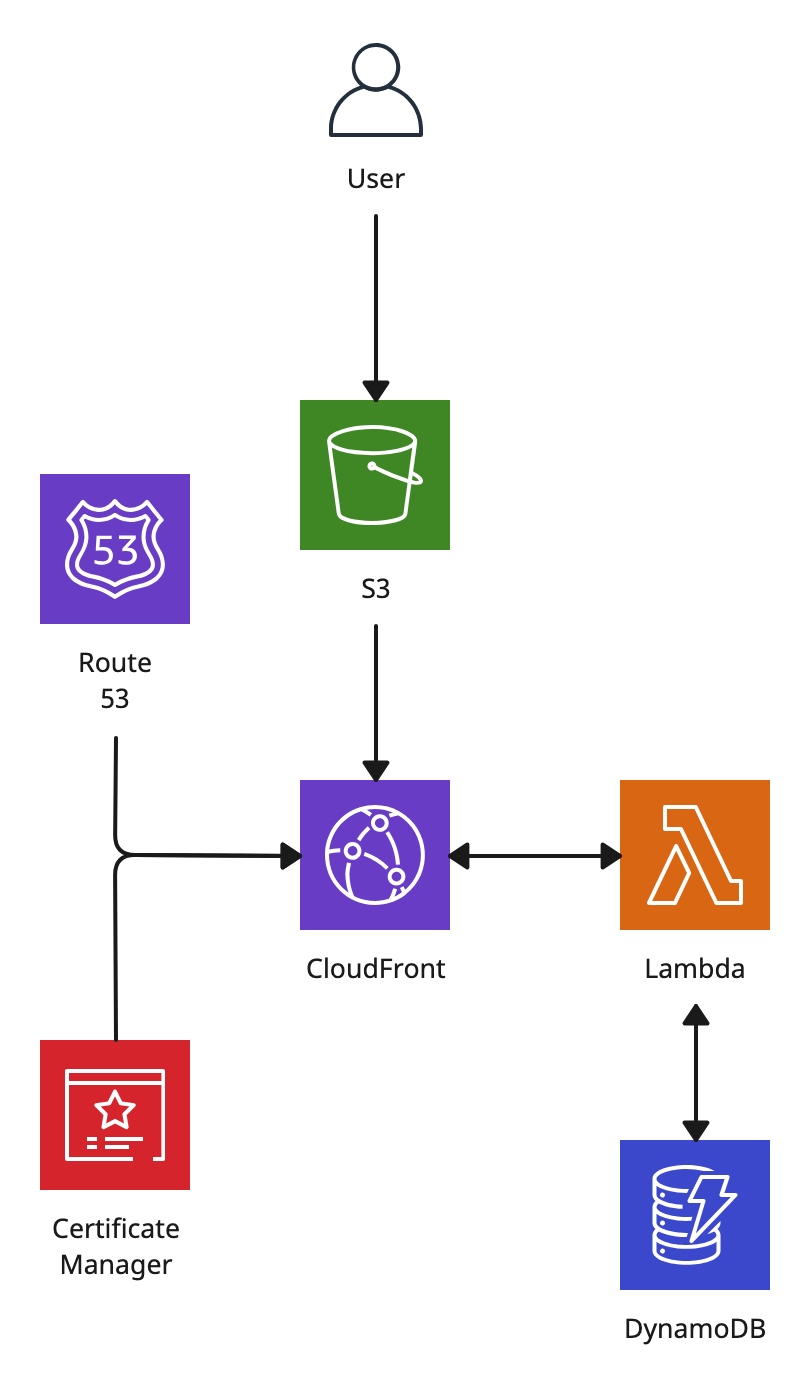
Services Used
- Astro/HTML/CSS/JavaScript
- S3
- CloudFront
- AWS Certificate Manager
- Route 53
- Lambda
- Python
- DynamoDB
Steps Taken
- Website Development: I constructed the website using Astro, a JavaScript framework (possibly a bit overkill for a CV website but I wanted the practice), HTML, CSS and JavaScript.
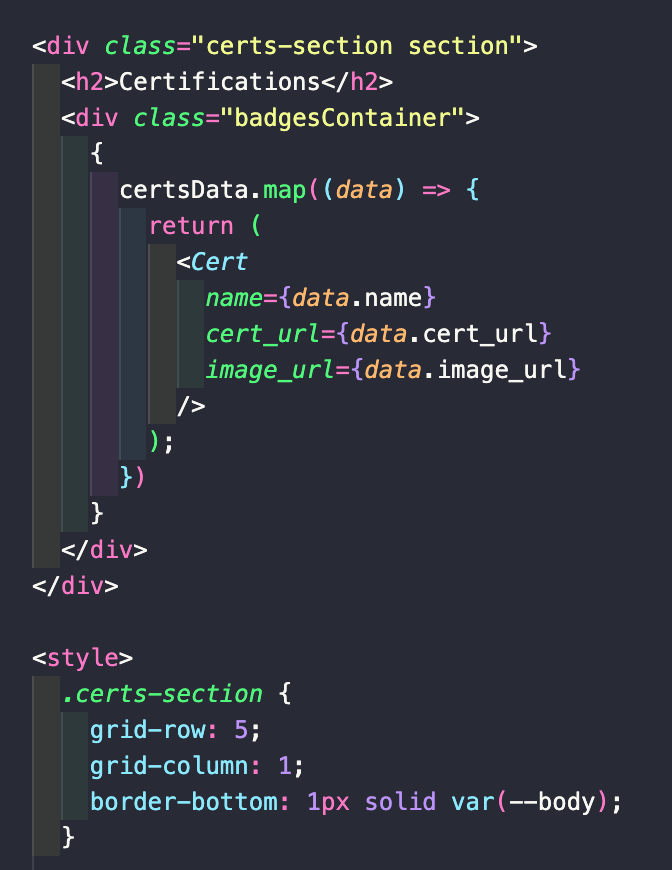
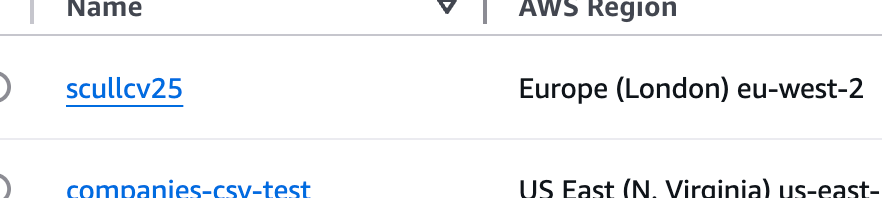
- Cloud Storage: To ensure secure and scalable file management, I used an S3 bucket for cloud-based storage of the website’s assets.
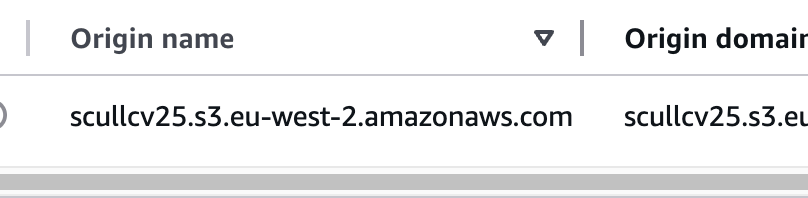
- Content Delivery Optimization: For enhanced website performance, I used Amazon CloudFront, a content delivery network that streamlines content delivery, providing a low latency connection to the website files located in the S3 bucket.
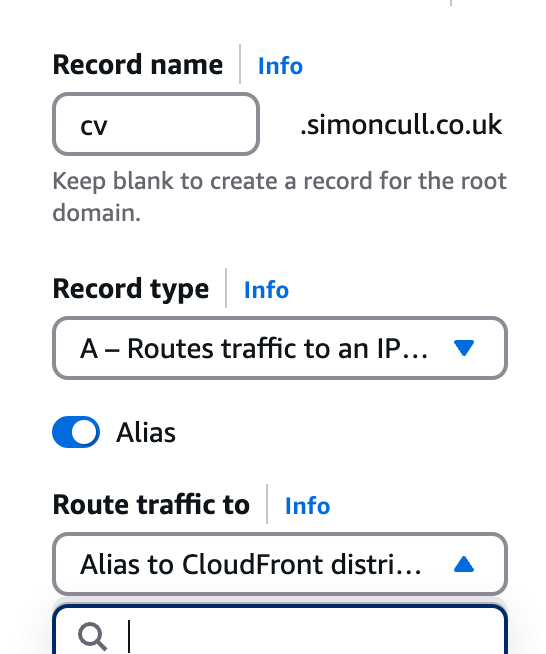
- Alternate Domain Name: With CloudFront, you can also set an alternate domain name as the domain. In Amazon Route 53, I created a DNS record for this alternative domain name. The record routes traffic to the CloudFront distribution.
- Website Security: I configured CloudFront to use HTTPS for security and used AWS Certificate Manager to obtain an SSL certificate, thereby encrypting data and safeguarding user information.

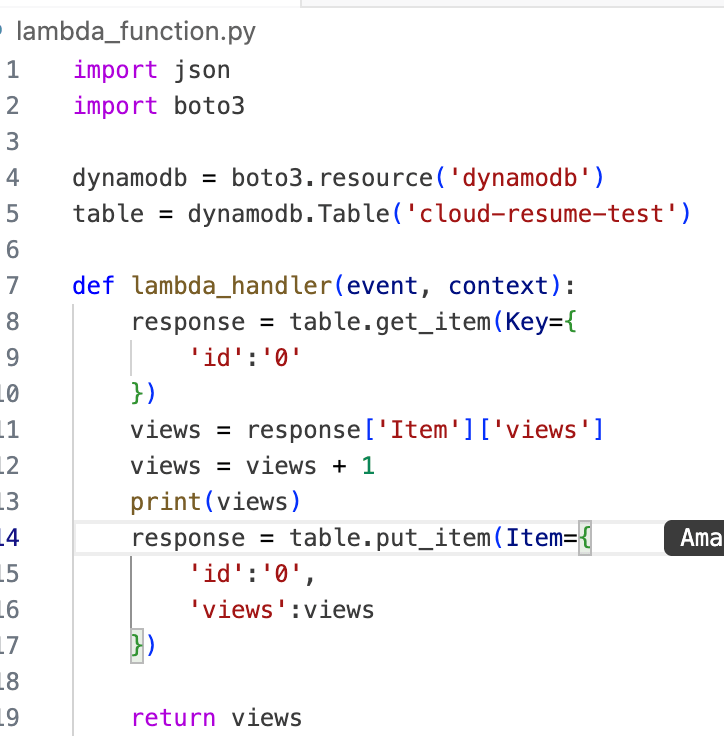
- Tracking Website View Count: To gain insights into user engagement, I created a DynamoDB table, a NoSQL database. I then created a Lambda function, written in Python, to track the number of visits. The visits were tracked by incrementing the view count every time the site was loaded - site loads triggering the lambda function using a fetch request. This function uses Boto3, the AWS SDK that allows you to interact with AWS services in your code.
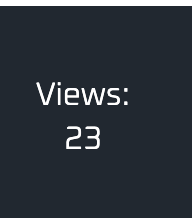
- Data Visualization Integration: To display the visitor count directly on the website, I used a JavaScript function. This function retrieves the view count from the Lambda function and presents it on the web page.
- Version Control: For efficient code management, I established a GitHub repository, serving as a centralised repository for all website files.
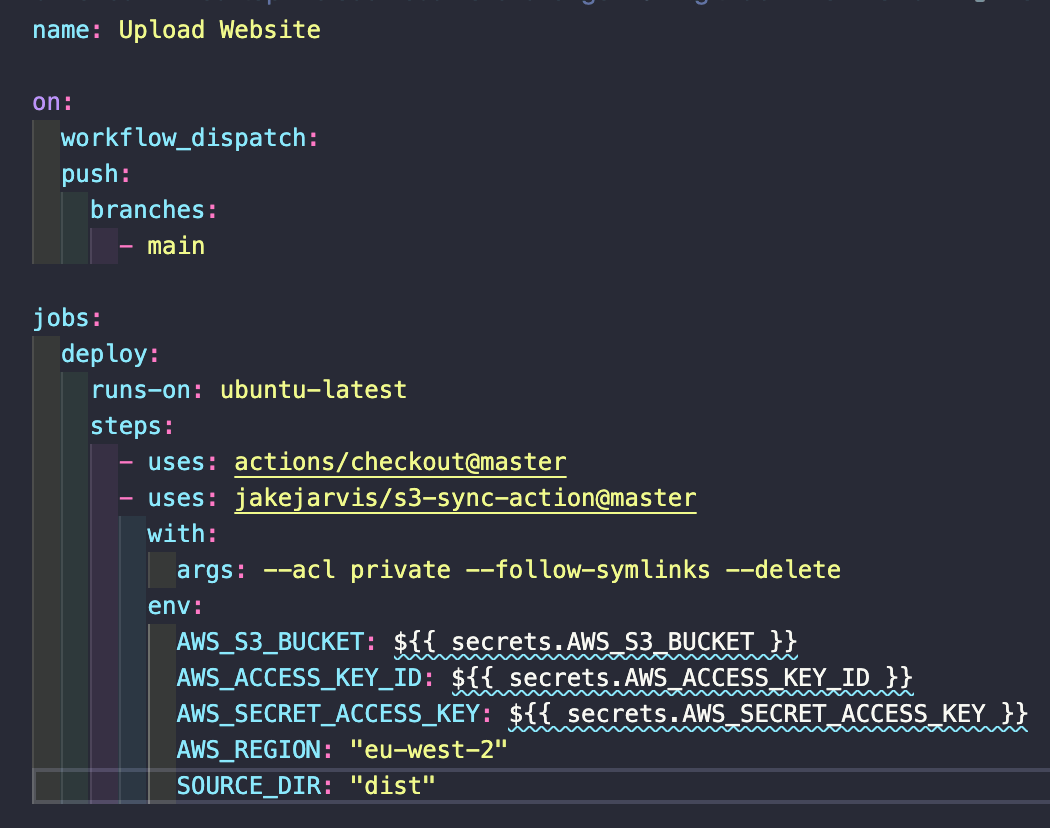
- Automated Deployments: Finally, I implemented a CI/CD pipeline through GitHub Actions. This automates website updates whenever code modifications are introduced, ensuring an efficient deployment process.
- The Cloud Resume Challenge not only equipped me with valuable technical skills, it also gave me a stronger understanding of the practical applications of cloud technologies.