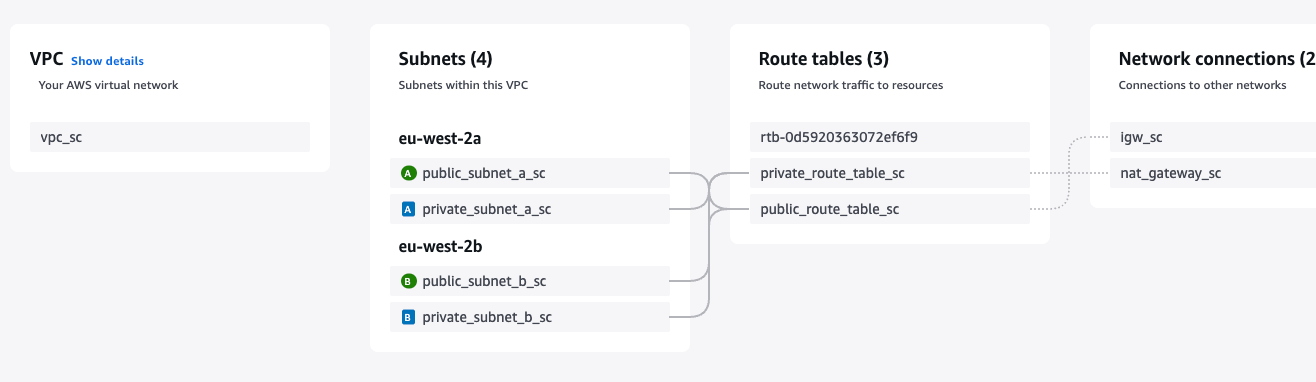
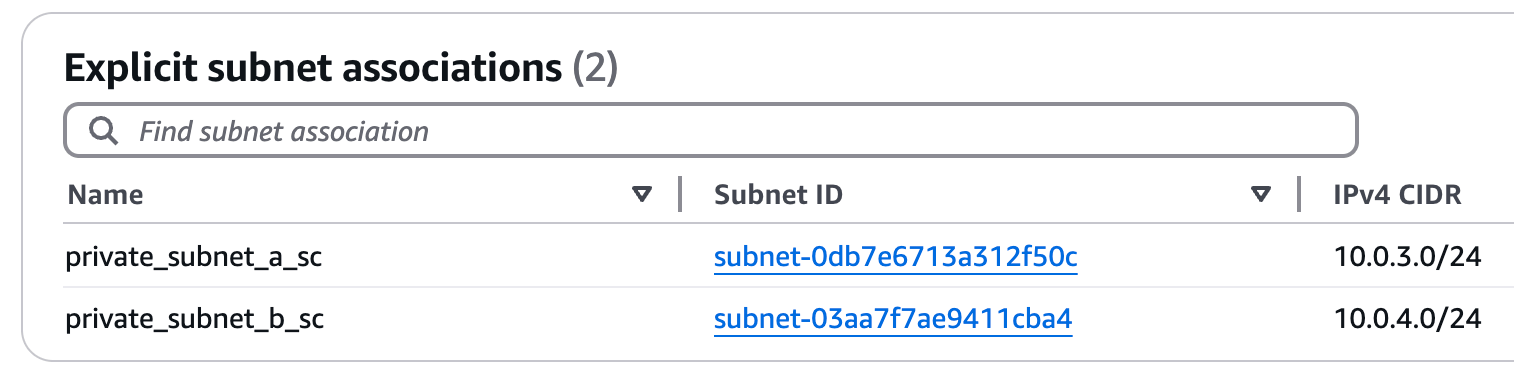
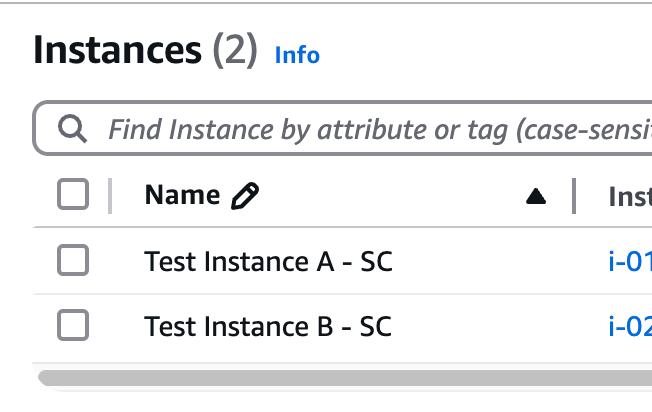
This is a VPC with public and private subnets set up using Terraform. This setup provides a secure and scalable network with internet access possible for both public and private instances.
Resources created include public and private subnets, route tables, an internet gateway, a NAT gateway and security groups to ensure a secure and scalable network environment, well-structured and ready for deployment.
Services Used
VPC
Subnets
Route Tables
Security Groups
Internet Gateway
NAT Gateway
EC2
Terraform
Steps Taken
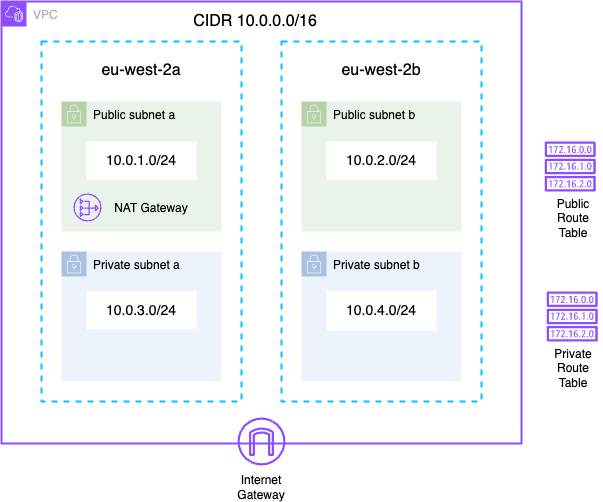
i. When creating a private network, AWS recommends that you use CIDR blocks from the RFC 1918 ranges, ranges of IP addresses reserved for private networks. The VPC I am creating has a CIDR block of 10.0.0.0/16, this is within the ranges, and allows for upto 65,536 IP addresses.
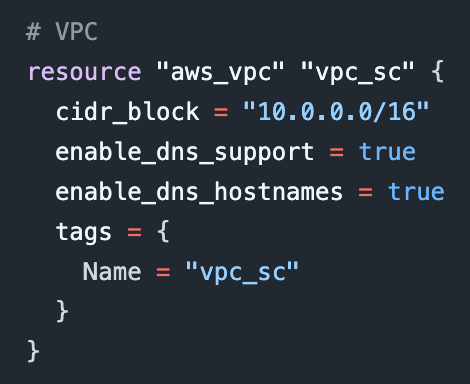
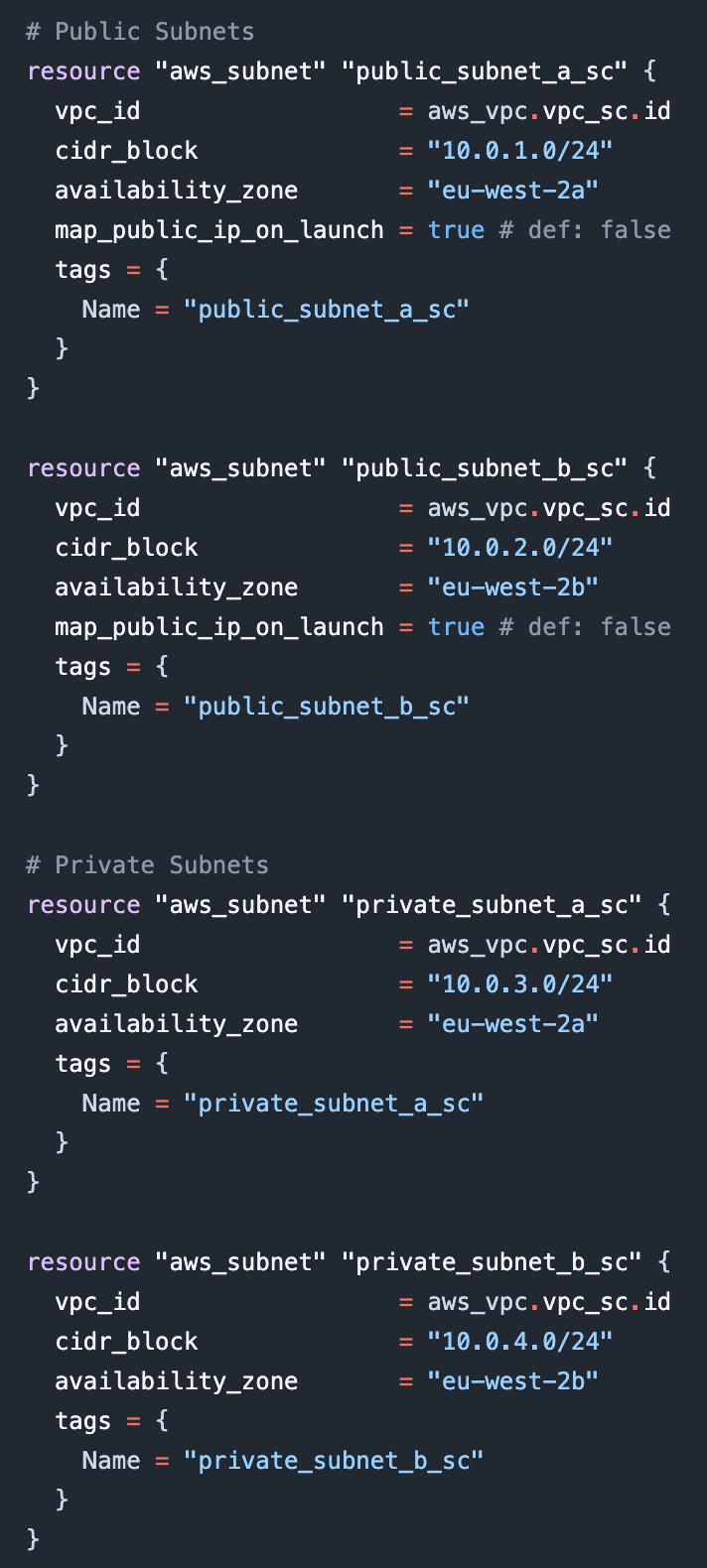
ii. The VPC will use two availability zones in the eu-west-2 region. In each of these availability zones there will be a public subnet and a private subnet. Each subnet has it’s own /24 CIDR block, each with 254 usable IP addresses.
iii. For the public subnet, you must configure the subnet to automatically assign public IP addresses to instances created inside the subnet. To do this, I set the ‘map_public_ip_on_launch’ option to true. The default option is false, meaning subnets are private by default.
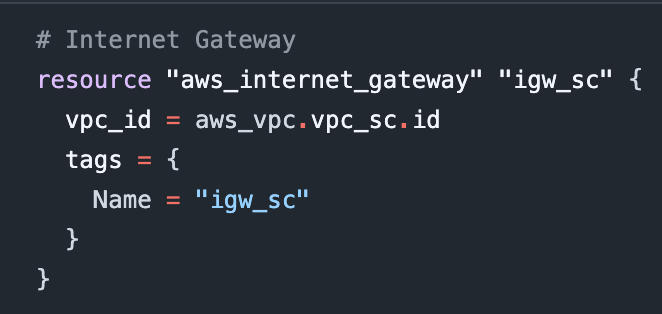
iv. To enable the instances in the public subnet to access the internet, I created an Internet Gateway and attached it to the VPC.
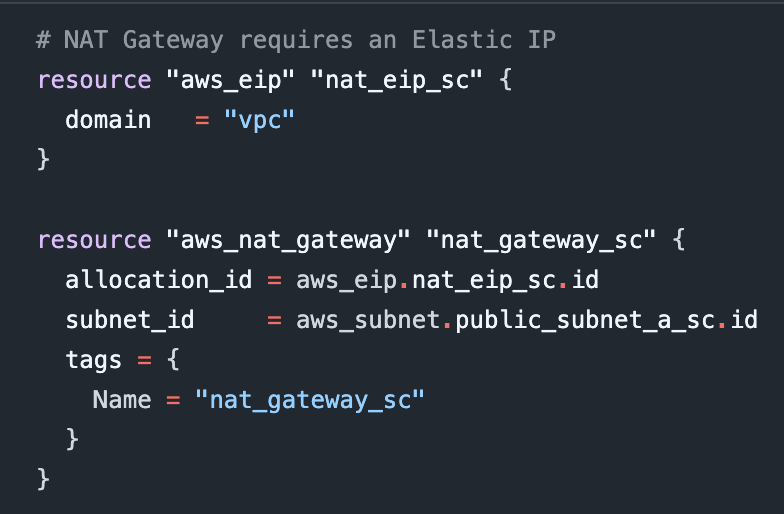
v. Private subnets are completely detached from the internet. While this makes them highly secure, there may be occasions where you will want them to have outbound access to the internet, e.g. for access to patches or updates. To allow this, I created a NAT Gateway and attached it to the public subnet. An Elastic IP must also be allocated to the NAT Gateway.
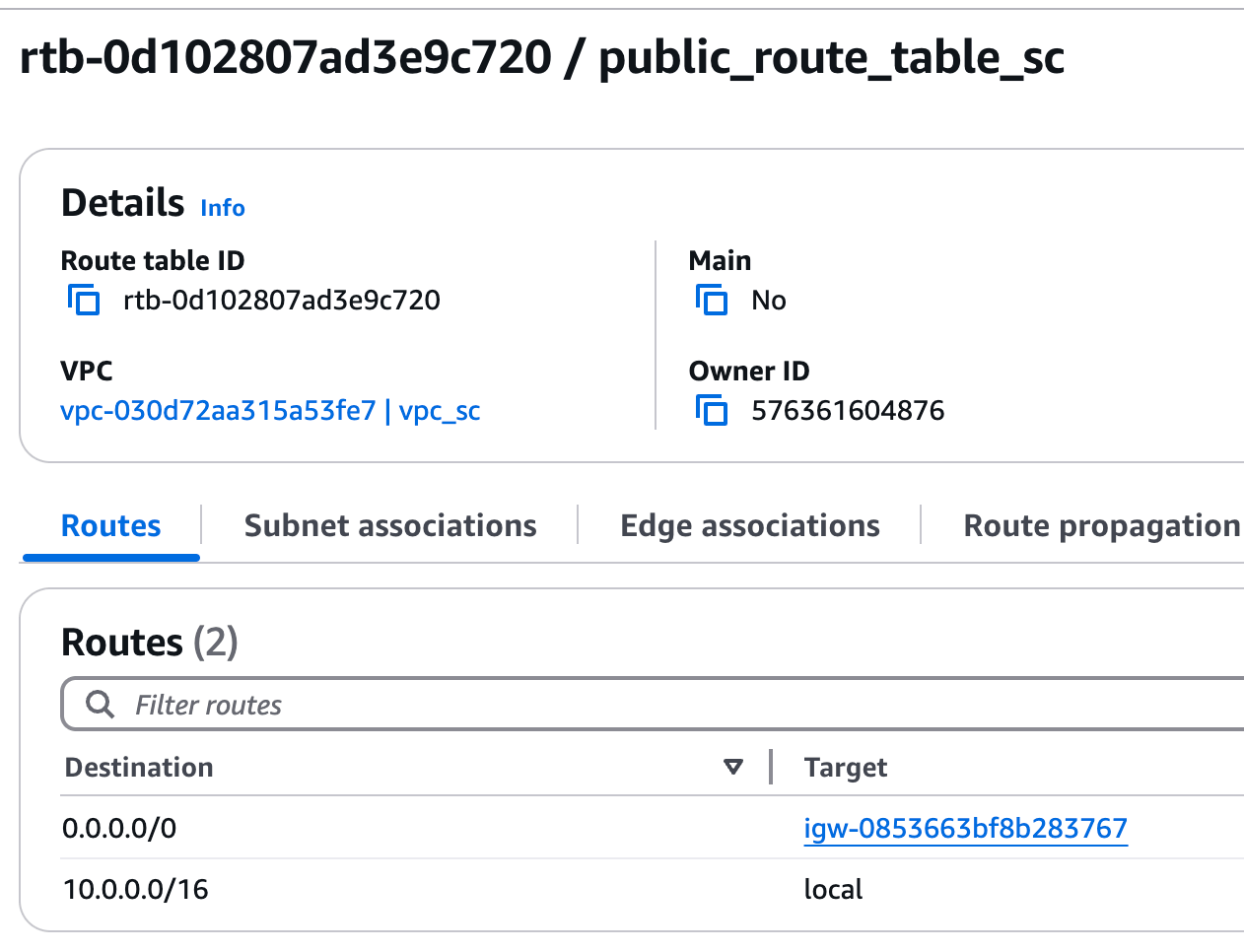
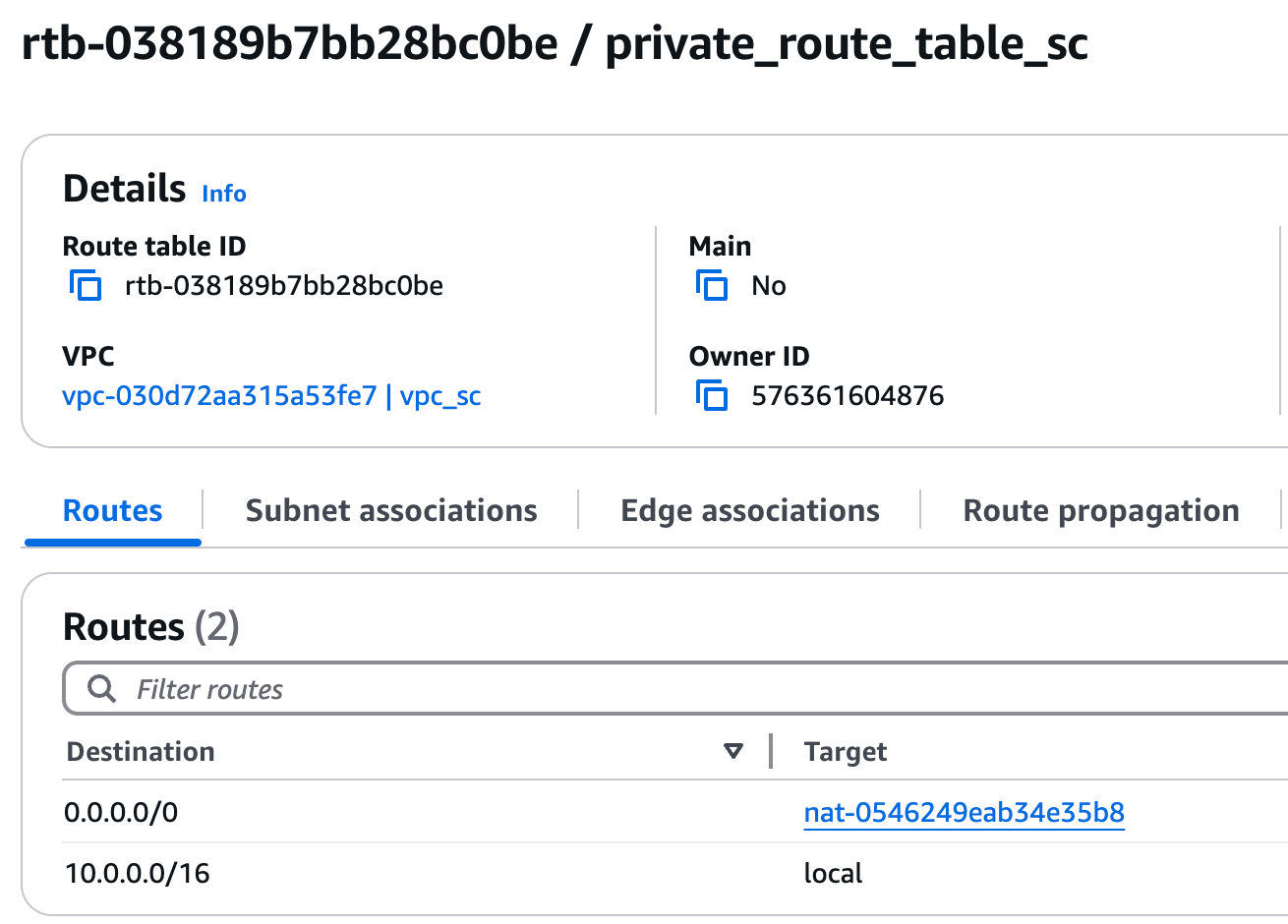
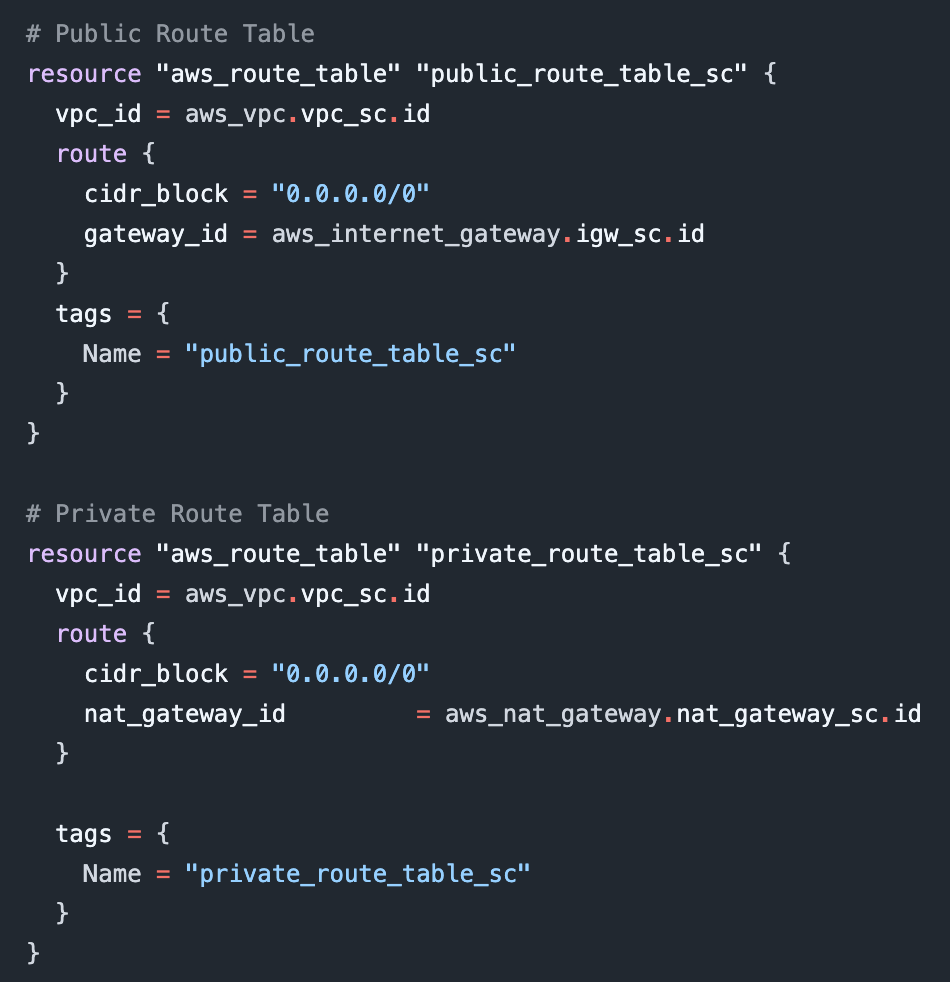
vi. There are two route tables - public and private. The public route table has a route to the Internet Gateway, so the public subnets can have access to the internet. The private route table has a route to the NAT Gateway in the public subnet. Both of these routes direct all outbound traffic, represented by the CIDR Block “0.0.0.0/0”, to the respective gateways. Local routes, for routing within the VPC, are also created by default.
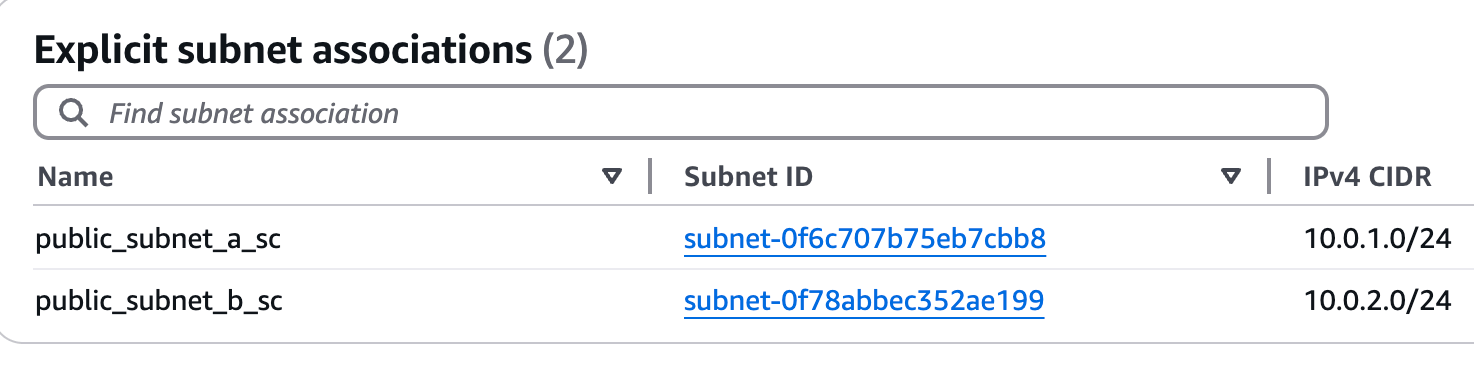
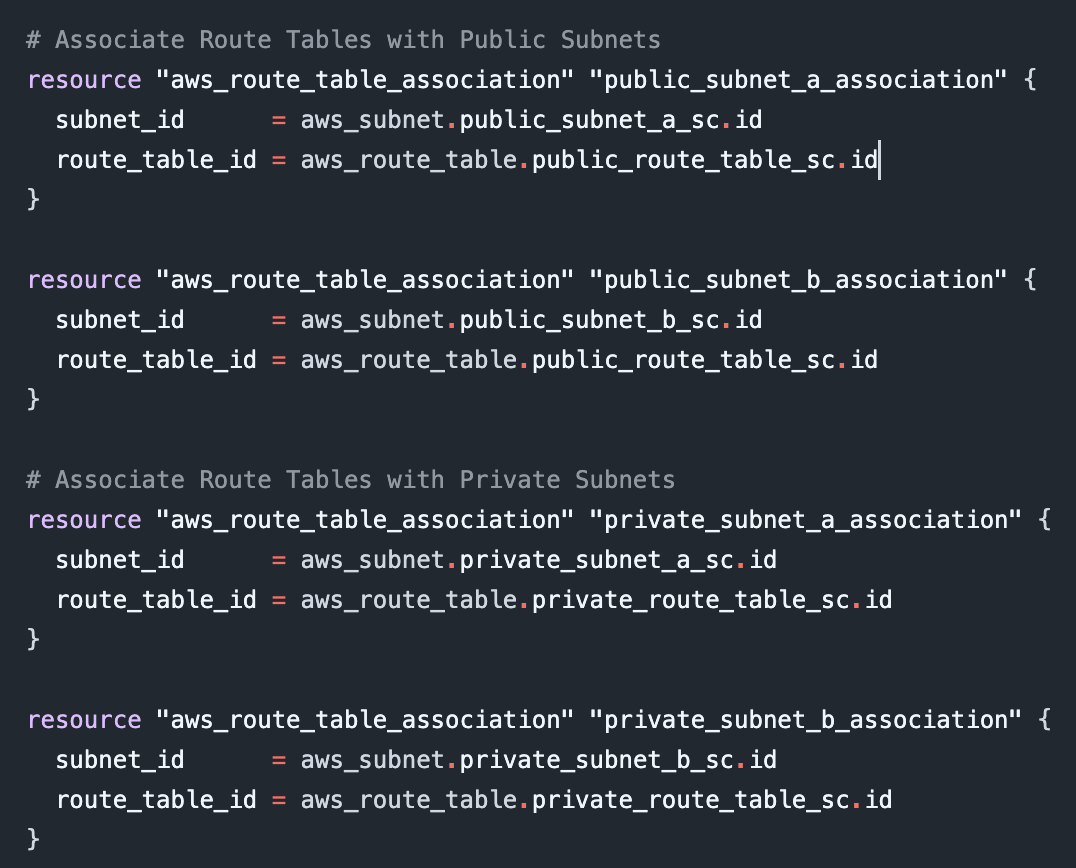
vii. Subnets must be explicitly associated with custom route tables, otherwise they are implicitly associated with the main route table. I associated the public subnets with the public route table, and the private subnets with the private route table.
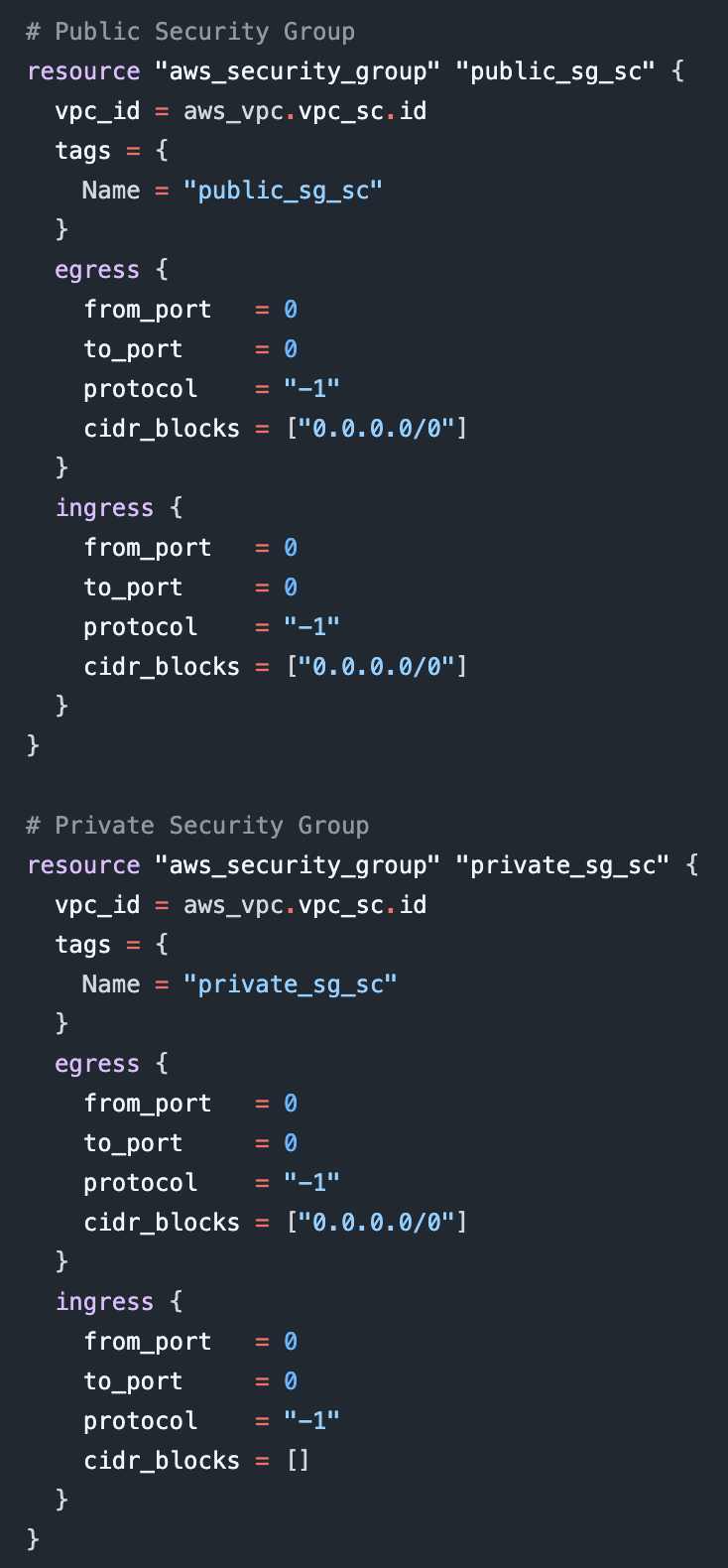
viii. Security groups are instance-level controls. The public security groups I applied allows all inbound and outbound traffic, on any port number, from any source, using any protocol. The private security group allows all outbound traffic, but doesn’t allow any inbound traffic.
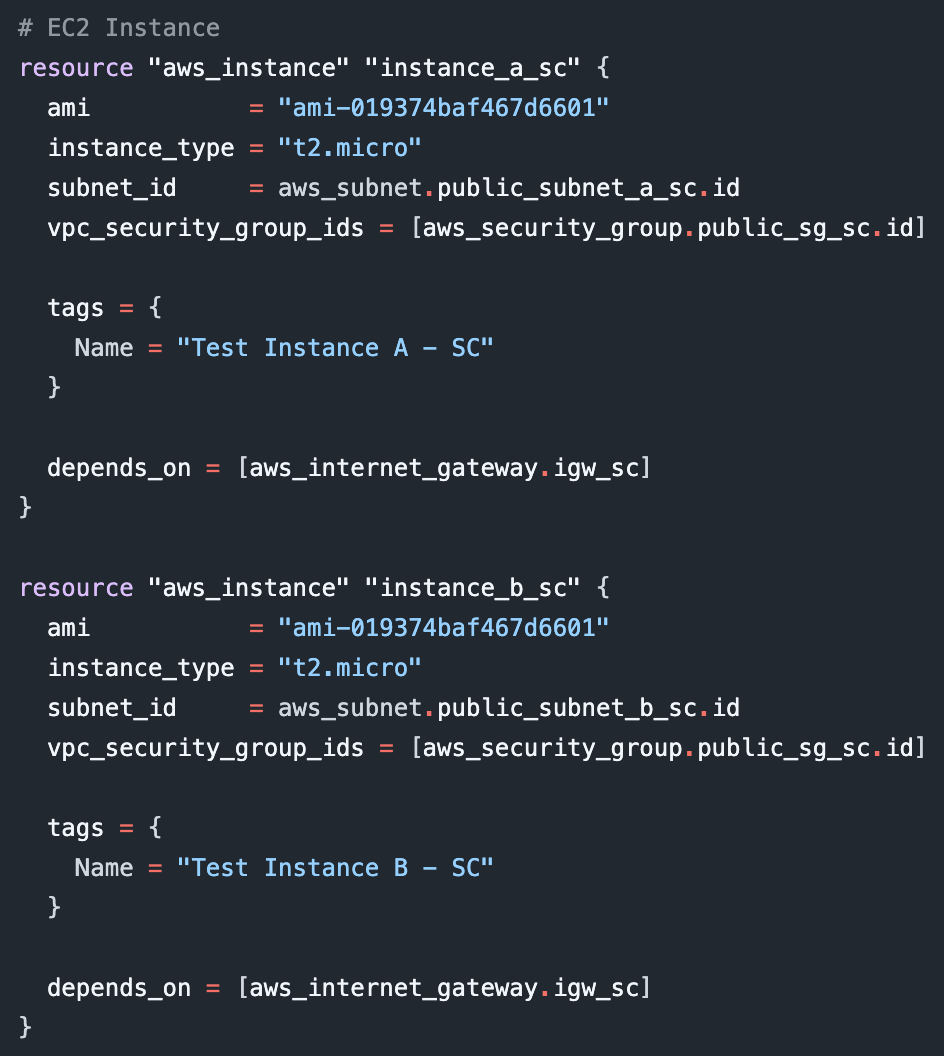
ix. And finally created two t2micro instances, the ‘depends_on’ statement ensuring the Internet Gateway is created before the EC2 instance.
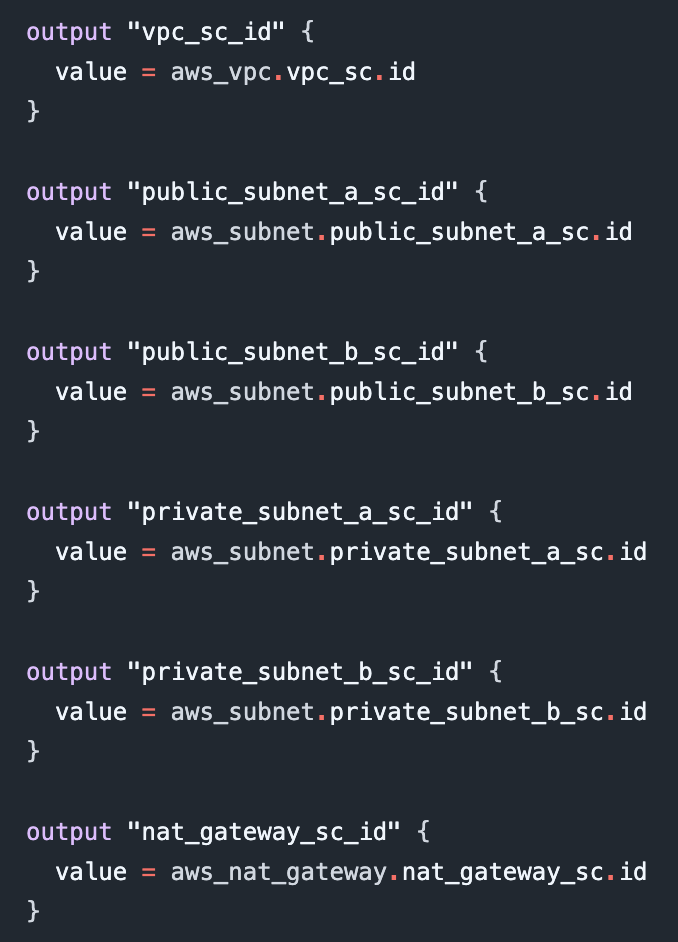
x. Output values make information about resources created available for integration with other Terraform configurations and can be useful for troubleshooting.
AWS Management Console after running Terraform apply